
Paper in their hands.
No tablets to charge or student accounts to set up. Just a printed card for each student, ready for the next question.
A LITTLE PAPER. A LOT OF PARTICIPATION.
Big classroom. Quiet thinkers. Hands that never go up.
Bring everyone into the lesson with printed answer cards and the phone already in your hand.
No student devices No student logins
Less setup.
More lightbulb moments.
SIMPLE BY DESIGN
From a question to a classroom full of answers.
You bring the curiosity. We’ll help you see it.
Ask a multiple-choice question. From today’s textbook, the board, or the top of your head.
Each student turns their card to their answer and holds it up. Everyone gets a moment to think and take part.
Sweep your phone across the room. See who answered what, then decide what to explore next.
A WINDOW INTO THEIR THINKING
A room full of nods can hide a lot of questions. See the spread of answers while the lesson is still happening.
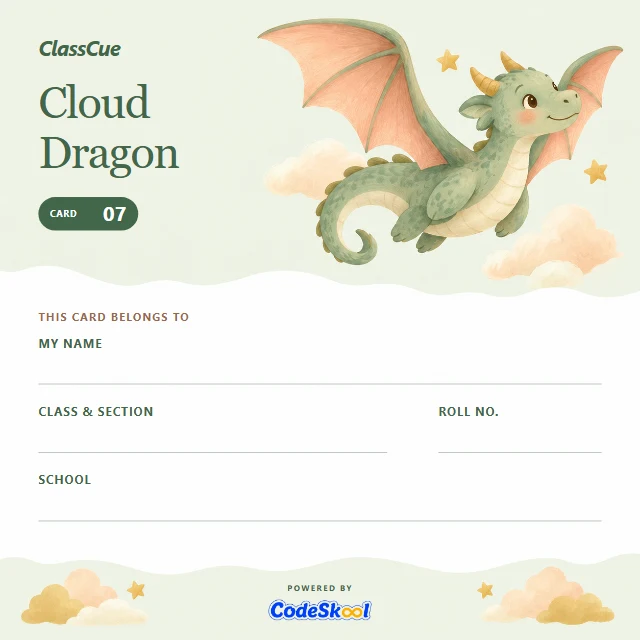
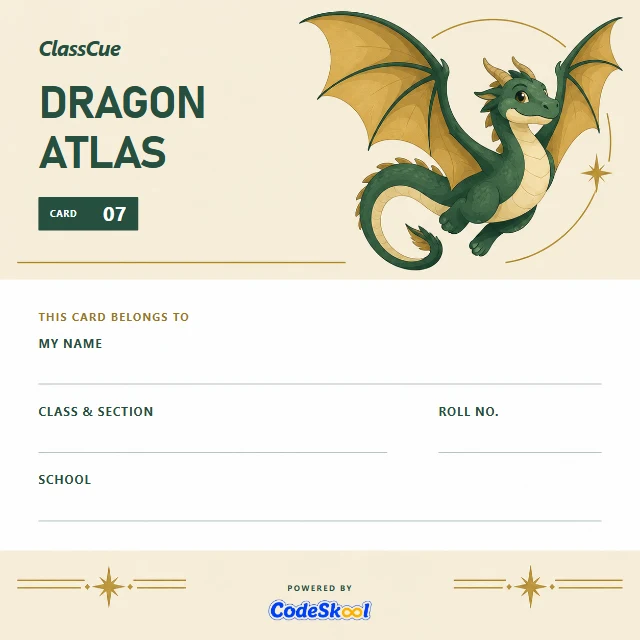
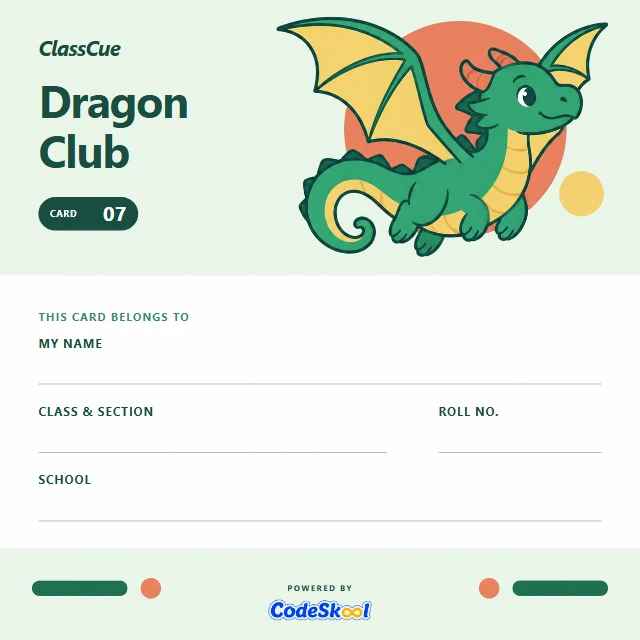
NEW THE CLASSCUE CARD COLLECTION
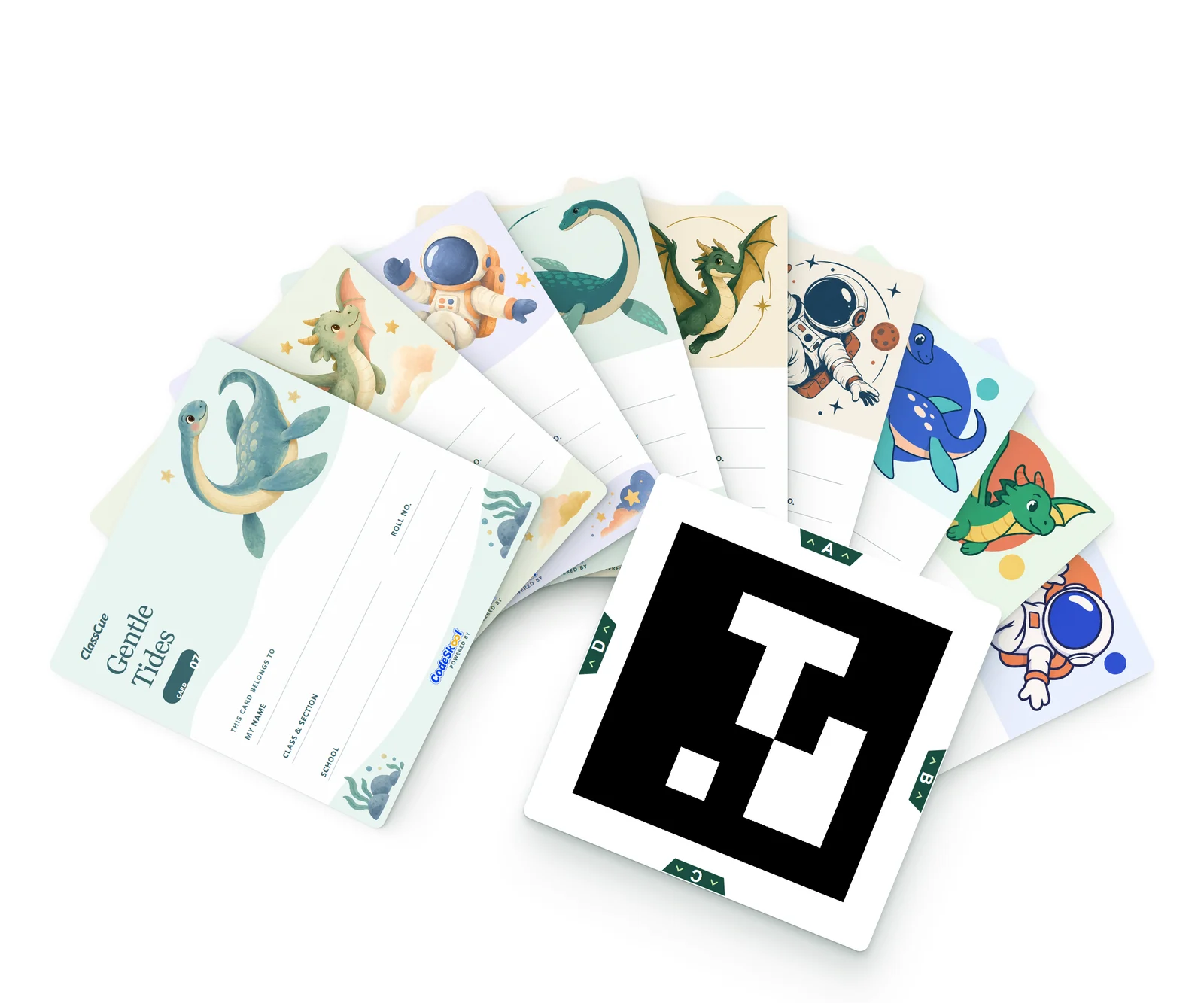
Space explorers. Friendly dragons. Deep-sea companions. Meet the next generation of ClassCue cards, made to feel like a little piece of their world.
One card per student. To answer, they turn it so their letter, A, B, C or D, is at the top, and hold it up. A familiar classroom ritual, with a little more wonder.
Dragon Club, Dragon Atlas & Cloud Dragon. Three takes on a little magic.
Ask us about the new cardsBUILT FOR THE CLASSROOM YOU HAVE
Good classroom technology should leave more room for teaching.
No tablets to charge or student accounts to set up. Just a printed card for each student, ready for the next question.
The eager hands and the thoughtful pauses. Give every student a way to answer at the same time.
A maths warm-up, a science check, a language quiz. Use it wherever a good question belongs.
A phone for the teacher and a printed ClassCue card for each student. No student devices, projector or smartboard required.
No. Students answer by holding up their printed card. There are no student logins, apps to install or passwords to remember.
No. Card recognition runs on the teacher’s phone, so you can scan in class without a connection and upload the answers later.
A class set has up to 64 cards, one per student. We can walk you through the right setup for your class during a demo.
Each student gets one card: a code on the front, and their name and card number on the illustrated back. To answer, they turn the card so their chosen letter, A, B, C or D, is at the top, and hold it up. The code tells the phone whose card it is; which way up it is held tells it the answer.
No. ClassCue works on its own. Integrate it with skool.cc to get more features, like a complete dashboard.
Yes. Use multiple-choice questions from the lesson you’re already teaching, in any subject. ClassCue helps you collect the answers.
LET’S MAKE ROOM FOR EVERY ANSWER
See what ClassCue could look like in your classroom. Book a free, 15-minute demo with our team.